
Redesigning a Legacy Mobile App for Frontline Workers
Modern UX for parking attendants working in the field
Who They Are & Why This Moment Mattered
A major mobility and city operations technology provider powered parking payments and enforcement workflows across numerous large municipalities. Their consumer-facing app was modern and easy to use, but the internal-facing mobile app used by parking attendants told a very different story. It was more than a decade old, built on a legacy codebase, and created constant friction for the frontline workers who depended on it every day.
City partners were beginning to raise concerns. Attendants struggled with slow workflows and confusing interactions. Training new staff took too long. Support teams spent significant time handling issues tied to the app's design, not the underlying platform. Leadership knew they needed a modern, intuitive experience - and they needed it fast.
The Real Problem & What Was at Stake
The initial ask was to redesign the mobile app. But the deeper issues were fundamental to the customer and employee experience:
- •Frontline workers were frustrated and inefficient
- •Legacy UX patterns slowed down enforcement workflows
- •Cities were beginning to question the platform's long-term viability
- •Training new attendants consumed time and resources
- •The app was not designed for gloves, weather, small screens, or real-world constraints
If the experience didn't improve, the company risked weakened relationships with municipalities, increased operational costs, and missed opportunities to win new contracts.
Constraints & Starting Point
We entered the project with several constraints:
- •A six-week timeline to research, redesign, and deliver a full UX overhaul
- •A user base working in the field, often in harsh conditions
- •Legacy architecture that the redesign needed to fit within
- •Limited documentation on the original design decisions
- •High diversity in workflows across different cities and enforcement teams
How We Approached It
We treated the project like a rapid product rescue mission. A small, specialized team focused entirely on understanding the real-world environment in which the app was used and translating those insights into a modern, intuitive design.
We used AI tools to analyze transcripts, accelerate research clustering, and generate early design variations for internal review. Human effort was focused on contextual UX - the realities of weather, gloves, sunlight, walking routes, ticketing pressure, and rapid scanning.
Each week we delivered new flows, prototypes, and visual systems the client could react to, tightening alignment while moving quickly toward final deliverables.
What We Did
Field Research With Parking Attendants
We interviewed and observed dozens of attendants in the field. We watched them issue tickets, scan plates, navigate handheld devices, and handle unpredictable working conditions. This showed where the experience broke down: small tap targets, unclear navigation, too many steps, poor visibility in sunlight, and slow actions for high-volume workflows.
Define Personas, Journeys, and UX Heuristics
Based on the research, we developed updated personas, primary task flows, and UX heuristics tailored to field operations: larger controls for gloved hands, clear hierarchy for fast decision-making, reduced cognitive load, minimal text input, and high-contrast modes for outdoor use. These principles drove every design decision.
Redesign the Mobile Experience
We redesigned the entire attendant workflow, including plate lookup, violation review, ticket creation, evidence capture, routing, and session management. The new design dramatically simplified steps, reduced taps, and made high-frequency tasks faster and more intuitive. Interfaces were optimized for speed, clarity, and environmental constraints.
Deliver High-Fidelity Prototypes and Design System Updates
We delivered clickable prototypes covering the full end-to-end workflow. We also provided a refreshed UI system aligned with the company's broader design direction, making it easier for their team to scale future enhancements.
Enable Engineering and Customer Success Teams
We provided complete documentation, interaction notes, and asset libraries to accelerate development. Customer success teams received narrative walkthroughs they could use to socialize the improvements with city partners.
The Outcome
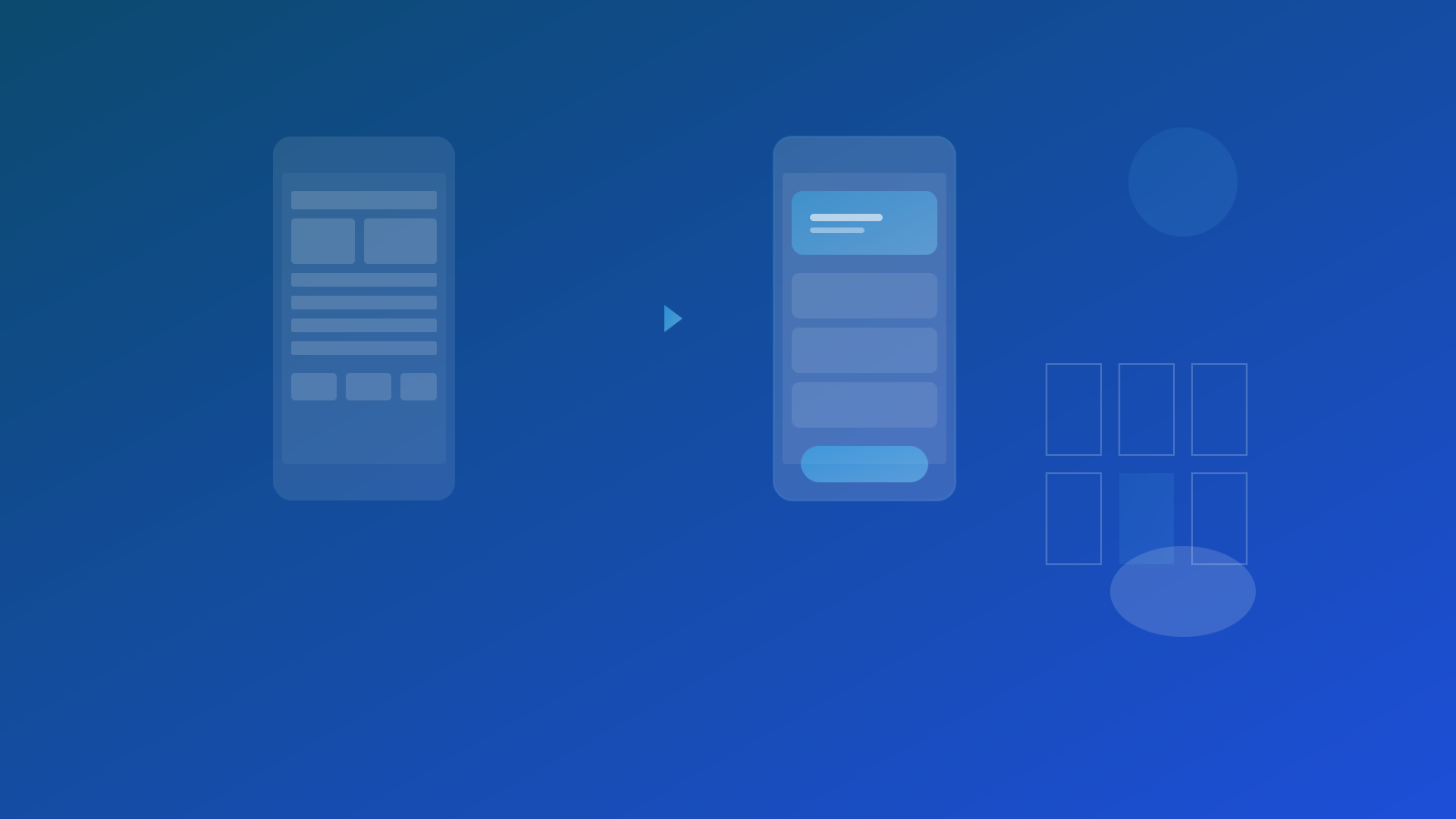
Before
A legacy app slowed down enforcement workflows, frustrated attendants, and created friction with municipal partners. Training was slow, and usability issues consumed support time.
After
A modern, intuitive, field-ready mobile experience that reduced steps and improved speed of core workflows, increased adoption and satisfaction among attendants, lowered training time for new staff, aligned with the company's long-term product strategy, and improved credibility with city decision-makers. The redesign restored confidence in the platform and set the stage for future innovation.
What Changed Inside the Organization
The engagement helped the organization reconnect with the reality of frontline users and the importance of designing for the unpredictable, fast-paced nature of field operations. Product, engineering, and customer teams gained a shared understanding of what great UX looks like for this audience. It also reinforced the value of regular research, clearer design principles, and a consistent design system across all applications.
Why This Story Matters
Many mid-sized technology providers focus heavily on their consumer-facing or executive-facing experiences and underestimate the importance of the tools used by frontline workers. Those workers often determine adoption, satisfaction, and the health of long-term contracts. This project demonstrates how a focused research-to-redesign sprint can dramatically improve usability, strengthen customer relationships, and modernize legacy experiences without requiring a complete rebuild.
Key Takeaways
Frontline worker tools directly impact customer relationships and contracts
Field research reveals constraints that office-based design misses
Environmental factors like weather and gloves must drive UX decisions
Legacy apps can be modernized without complete platform rebuilds
Services Delivered
Ready to create your success story?
Let's talk about how we can help you achieve similar results.